The My Telenor App is a digital tool that helps Telenor users manage their SIM easily. It allows users to check balance, activate packages, and control their account from one place. The app saves time and removes the need to dial codes or visit service centers.
In Pakistan, mobile users want fast and simple solutions. The My Telenor App meets this need by giving full control of the SIM on a smartphone. It works for prepaid and postpaid users across the country.
You May Like: 0370 sim code
What Is My Telenor App and Why It Matters
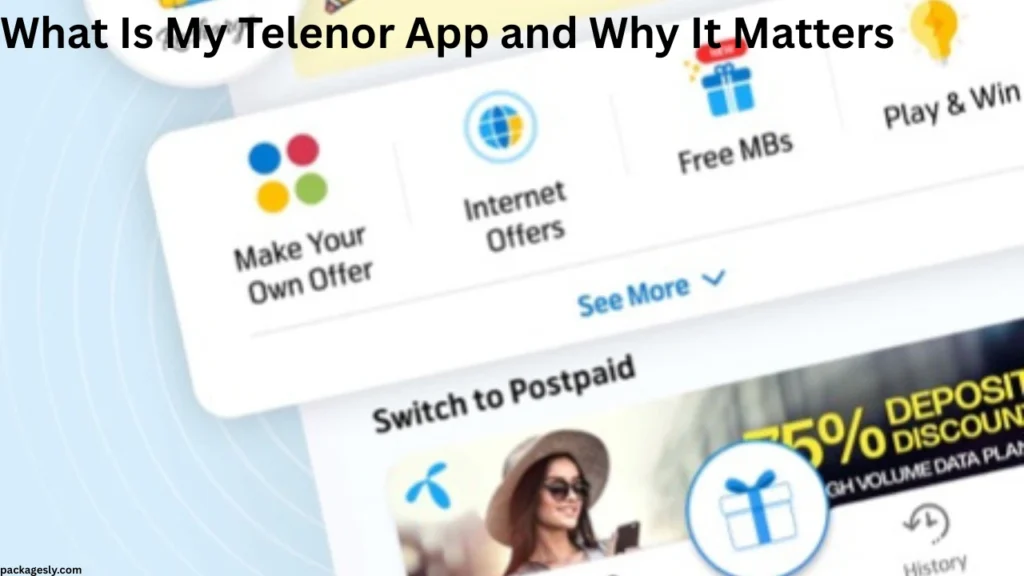
The My Telenor App is an official mobile application designed for Telenor Pakistan customers. It provides account details, package control, and usage tracking in real time. Users can manage everything without calling customer support.
This app matters because it simplifies daily mobile tasks. Users no longer need to remember USSD codes. Everything is available inside the app with a clean and simple layout.
How My Telenor App Works for Users
The My Telenor App works by connecting your mobile number to a secure digital account. Once logged in, the app shows your balance, data usage, and active offers. Updates appear in real time.
The app uses mobile data or Wi-Fi to function. It also offers a smooth experience even on low internet speed. This makes it useful for users in all areas.
My Telenor App Download and Installation Process
Downloading the My Telenor App is simple for Android and iPhone users. The app installs quickly and does not take much storage space. Most phones support it easily.
After installation, users verify their number using an OTP code. Once verified, the dashboard opens automatically. The process is quick and user friendly.
My Telenor App Registration and Login System
Registration on the My Telenor App requires a valid Telenor number. The app sends a one-time code to confirm ownership. This keeps the account secure.
After registration, future logins are automatic. Users do not need to enter passwords every time. This feature improves ease of use and safety.
My Telenor App Dashboard Overview
The dashboard is the main screen of the My Telenor App. It shows remaining balance, data, minutes, and SMS in one view. All important details appear clearly.
Users can scroll down to see offers, rewards, and recommendations. The layout is simple, making it easy for new users to understand.
Balance Check Using My Telenor App
Checking balance through the My Telenor App is instant. The remaining balance updates automatically without refresh. Users can see main balance and bonus balance.
This feature helps users track spending. It also prevents sudden balance loss. Everything stays visible on the home screen.
Internet Usage Tracking in My Telenor App
The My Telenor App shows internet usage in detail. Users can see how much data is used and how much remains. The data refreshes in real time.
This helps users avoid extra charges. It also helps in choosing the right internet package based on usage habits.
Call Minutes and SMS Details in My Telenor App
Call minutes and SMS details appear clearly in the My Telenor App. On-net, off-net, and international minutes show separately. SMS counts also update automatically.
This clear breakdown helps users manage communication better. It removes confusion about remaining resources.
Package Activation Through My Telenor App
The My Telenor App allows users to activate internet, call, and SMS packages easily. Available packages appear with prices and validity. Activation takes only one tap.
Users can choose daily, weekly, or monthly bundles. The app also suggests packages based on usage behavior.
Package Deactivation and Management in My Telenor App
Users can manage active bundles inside the My Telenor App. Some packages can be stopped before expiry. This gives users better control.
Package history also appears in the app. Users can track past activations and renew plans easily.
Special Offers and Deals in My Telenor App
The My Telenor App provides exclusive offers to users. These offers include discounted internet, free minutes, and bonus data. Many deals are app-only.
Offers change frequently based on usage and location. Checking the app daily can help users save money.
Rewards and Points System in My Telenor App
The rewards section of the My Telenor App gives points for usage and recharges. These points can be redeemed for free data or minutes. The process is simple.
This feature adds extra value for regular users. It encourages smart usage and loyalty.
Recharge and Payment Options in My Telenor App
Recharging through the My Telenor App is fast and secure. Users can recharge their own number or another Telenor number. Multiple payment options are available.
The app also stores recharge history. This helps users track spending patterns easily.
My Telenor App for Postpaid Users
Postpaid users can also benefit from the My Telenor App. The app shows monthly bills, due dates, and usage limits. Bill payments can be managed easily.
This reduces the need for printed bills. Users stay informed about charges and limits at all times.
Security and Privacy in My Telenor App
Security is a key part of the My Telenor App. OTP verification and encrypted access protect user data. Personal information stays safe.
The app does not share data without permission. Users control privacy settings from within the app.
Common Issues Faced in My Telenor App
Some users may face login or loading issues in the My Telenor App. These problems usually occur due to weak internet or outdated app versions.
Clearing cache or updating the app often solves the issue. Most problems are temporary and easy to fix.
Benefits of Using My Telenor App Daily
Using the My Telenor App daily helps users stay informed. Balance, data, and offers stay visible at all times. This improves usage planning.
The app also reduces dependency on codes and helplines. Everything stays under user control.
My Telenor App Compared to Traditional USSD Codes
USSD codes require memorization and repeated dialing. The My Telenor App replaces this with a visual and easy system. Information appears instantly.
This modern approach saves time. It also reduces errors caused by wrong code usage.
Who Should Use My Telenor App
The My Telenor App is suitable for students, professionals, and families. Anyone using a Telenor SIM can benefit. It works for light and heavy users.
People who want full control over their SIM find this app very helpful. It supports smart mobile management.
Future Improvements Expected in My Telenor App
Future updates of the My Telenor App may include better customization. More personalized offers and smarter alerts are expected. Performance improvements are also likely.
As digital usage grows, the app will continue to evolve. User feedback plays an important role in updates.
Frequently Asked Question
What is My Telenor App used for?
The My Telenor App is used to manage your Telenor SIM easily. It helps users check balance, track internet usage, and activate packages from one place.
Is My Telenor App free to use?
Yes, the My Telenor App is free to download and use. You only need an internet connection to access its features.
Can I check my internet data in My Telenor App?
Yes, the My Telenor App shows real-time internet usage. You can see how much data you have used and how much is remaining.
Does My Telenor App work for prepaid and postpaid users?
Yes, the My Telenor App works for both prepaid and postpaid users. Each user can view details based on their SIM type.
What should I do if My Telenor App is not working?
If the My Telenor App is not working, try updating the app or checking your internet connection. Clearing the app cache can also fix most issues.
Final Thoughts on My Telenor App
The My Telenor App is a complete mobile management solution for Telenor users in Pakistan. It combines balance checking, package control, and offers in one place. The app is easy, secure, and useful for daily use.
With simple design and powerful features, the My Telenor App removes stress from SIM management. It is a smart choice for anyone who wants control, clarity, and convenience in one app.
People Also Read: zong internet packages