Key Takeaways
- Chatbot interfaces are crucial for boosting user engagement and satisfaction.
- Layout, language, and accessibility are foundational to successful chatbot interactions.
- Balancing automation with human-like conversation is essential for positive user experiences.
Table of Contents
- Importance of Chatbot Interface Design
- Design Elements Impacting User Experience
- Balancing Automation and Human-Like Interactions
- Accessibility and Inclusivity in Chatbot Design
- Real-World Examples of Effective Chatbot Designs
- Conclusion
Incorporating chatbots into web design has transformed the way users interact with digital platforms. These virtual assistants offer immediate help and personalized experiences, making them valuable for both businesses and users. However, the quality of chatbot UI design can make or break the effectiveness of these interactions. A well-designed chatbot interface quickly resolves queries and builds user trust and satisfaction. Chatbot screens are crucial to customer service and engagement, as their layout, tone, and structure influence user perception. As organizations adopt conversational AI, smart interface design ensures chatbots integrate seamlessly with website elements and deliver real value. Whether for sales, support, or information, the interface is how users gauge effectiveness. Poor design leads to confusion or session abandonment, while intuitive interfaces engage users and make transactions enjoyable. Developers and designers must create inviting, functional, and accessible screens that consider layout and inclusivity to deliver rewarding chatbot experiences.
Importance of Chatbot Interface Design
Chatbot interfaces act as the bridge connecting users to automated systems, often forming users’ first impression of a digital brand. When chatbot screens are intuitive and well-structured, they reduce friction in user journeys and promote positive engagement. According to research by Nielsen Norman Group, poorly designed chatbot interfaces often lead to user frustration and abandonment, while thoughtful design increases trust and extends interaction. This highlights how critical interface design is to the overall effectiveness of chatbots in any application.
Design Elements Impacting User Experience
Several core design elements have a substantial impact on user experience with chatbots:
- Layout and Positioning: Where the chatbot appears on the screen influences how likely users are to engage. Sidebars, pop-ups, or a two-column layout can provide easy access without disrupting the primary content. For example, a two-column design with navigation on one side and the chatbot on the other provides a balanced, user-friendly experience.
- Language and Tone: The chatbot’s language should mirror both the brand’s personality and the user’s needs. Natural, conversational phrasing enhances engagement, while jargon or overly formal language can make chatbots seem cold or confusing.
- Visual Design: Consistent branding through colors, fonts, and icons reassures users and strengthens brand identity. Visual markers, such as user avatars or highlighted text, help guide conversations clearly.
Each of these elements should be fine-tuned to the organization’s target audience for the best results.
Balancing Automation and Human-Like Interactions
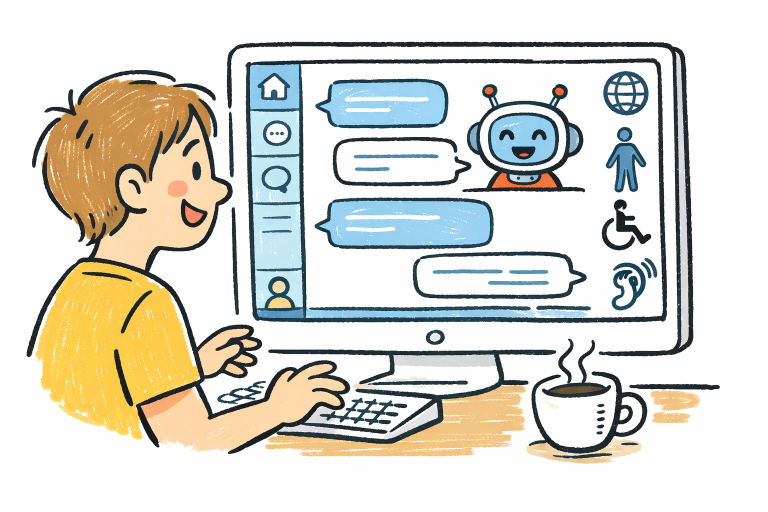
Successful chatbot screens do more than execute commands; they foster positive, engaging interactions. While automation is necessary for consistency and speed, introducing human-like conversation elements, such as warmth, empathy, and appropriate humor, can vastly improve user satisfaction. However, designers must avoid stepping into territory that feels insincere or robotic. Overly flattering or excessively familiar chatbots can cause discomfort and break user trust. Therefore, a careful blend of advanced automation and subtle human touches is necessary to provide a smooth, trustworthy experience that keeps users coming back.
Accessibility and Inclusivity in Chatbot Design
Designing for inclusivity makes chatbots available to the widest range of users, regardless of physical or cognitive limitations. This means ensuring compatibility with screen readers, offering clear text for users with visual impairments, and providing voice input options for users who need them. Short, direct language also helps users with varying literacy levels. Adopting the Web Content Accessibility Guidelines (WCAG) is essential to ensuring equal access for all. These best practices help build experiences that are not just legal requirements but are also good business, expanding the potential user base and enhancing overall satisfaction.
Real-World Examples of Effective Chatbot Designs
Several successful industries have implemented standout chatbot screens. For instance, sports brands often use two-column layouts for their chatbots, allowing users to access both chat and site navigation without switching screens. Tourism websites provide travel assistance through conversational bots seamlessly integrated into booking interfaces, making information and support available around the clock. In higher education, chatbots handle tutoring support and administrative queries, using accessible layouts and friendly tones to cater to diverse student populations. These examples demonstrate that balancing conversational elements with traditional navigation is key to effective chatbot screens that drive engagement without detracting from the overall user experience.
Conclusion
Chatbot screens are vital components of modern digital strategy, serving as the first point of contact for countless users. By prioritizing well-structured layouts, engaging language, and inclusive, accessible design, organizations can create chatbot interfaces that truly enhance engagement and meet user needs. Successfully implemented, these chatbots deliver significant business value and foster deeper connections with users.